Show original
Try the app

Quiet Camera
Enjoyed this article?
Support tomoponz
Share
AI translation
No ads, no usage limits, and camera data is not sent to the cloud. This is a story about creating a simple camera that works entirely in the browser, developed through AI and actual device testing.
Try the app
Quiet Camera
Enjoyed this article?
Support tomoponz
There are several silent camera apps on the App Store and Google Play. However, within the range of my search, some apps required watching ads to continue using them, had limits on the number of shots, or displayed ads on the screen.
Terms of service and privacy policies were sometimes complex, making it unclear whether captured data would be saved to the cloud.
So I decided to create a camera that doesn't have ads or account registration, doesn't automatically send captured photos and videos to external servers, and can process and save everything within the browser.
The initial inspiration was thinking, "Wouldn't it be interesting to have a browser-based silent camera?"
Since similar web cameras already exist, I didn't have a clear differentiation strategy from the start of development. However, as I added features and tested them on actual devices, Quiet Camera's characteristic became "simplicity that doesn't confuse users."
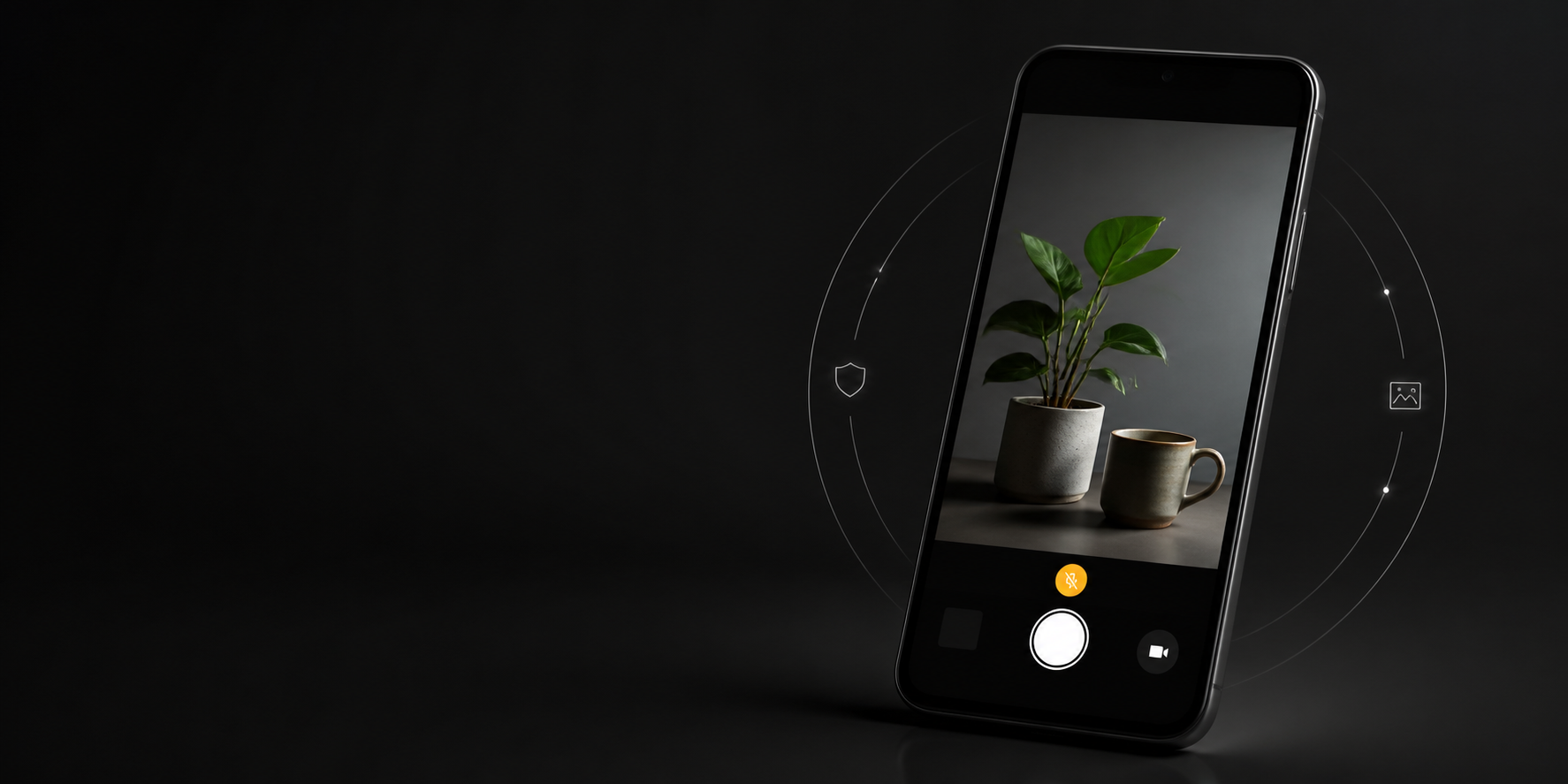
Open the site, grant camera permission, and you can start shooting immediately. No ads, no login, and no need to worry about where files are saved. I think we've achieved something quite good in terms of that clarity.
Note that Quiet Camera doesn't play its own shutter sound, but it doesn't guarantee complete silence including the device and OS.
I focused most on privacy and clarity.
Photos, videos, and audio are processed within the device's browser and are not automatically sent to the operator's server. When the microphone is OFF, "MIC OFF" is displayed on the shooting screen to make it easier to notice that recording is happening without audio.
When camera permission is denied, instead of simply displaying "Failed," I provide guidance to check device and browser settings and offer a "Try Again" button.
Additionally, I actually shot footage on iPad mini, Galaxy S25, and Google Pixel, and verified portrait mode, landscape mode, flashlight, recording, audio, saving, and sharing. Particularly in landscape mode on the S25, the video and operation buttons overlapped, so I redesigned the layout while looking at the actual device.
The most challenging part was autofocus.
On iPad and Google Pixel, autofocus on the device side worked relatively well even when using the camera from a browser. On the other hand, with the Galaxy S25 and browser combination I tested, the features necessary for focus adjustment weren't sufficiently exposed to the web side, making it impossible to operate as expected.
Even if the camera hardware supports a feature, that doesn't mean the same feature can be used from a browser. Rather than forcibly displaying "focus adjustment succeeded," I designed it so that on devices where operation isn't possible, it relies on standard autofocus, and honestly informs users about unavailable features.
This wasn't completely solved, and I accepted it as a limitation of current web technology.
In developing Quiet Camera, I actively utilized AI, primarily ChatGPT's Codex, along with GPT-5.6 series models and Claude Opus 5.
Beyond just code implementation, I also audited save processing, recording recovery, Service Worker, accessibility, and device-specific conflict handling with AI.
However, decisions about "what to build," "how many features to include," and "is it actually easy to use on real devices" were made by me. AI writes code, humans verify it on actual devices, and if there are issues, we revise again. The app was perfected through this repetition.
Quiet Camera is not an app that completely replaces a full-featured standard camera.
No ads. No login required. Captured data isn't sent without permission. And it's ready to use the moment you open it.
As a result, this "not adding unnecessary things" became Quiet Camera's most distinctive feature.
App StoreやGoogle Playには無音カメラがいくつもあります。ただ、私が探した範囲では、広告を見ないと続けて使えなかったり、撮影回数に制限があったり、画面に広告が表示されたりするアプリもありました。
利用規約やプライバシーポリシーが複雑で、撮影したデータがクラウドへ保存されるのか分かりにくい場合もあります。
そこで、広告やアカウント登録がなく、撮影した写真や動画を外部サーバーへ自動送信せず、ブラウザ内で処理・保存できるカメラを作りたいと考えました。
最初のきっかけは、「ブラウザ版の無音カメラがあったら面白いのでは?」と思ったことです。
すでに同じようなWebカメラは存在するため、開発当初から明確な差別化を考えていたわけではありません。ただ、機能を追加しながら実機で確認していくうちに、Quiet Cameraの特徴は「迷わず使えるシンプルさ」になっていきました。
サイトを開いてカメラを許可すれば、すぐに撮影できる。広告もログインもなく、保存先について余計な心配をしなくていい。その分かりやすさでは、かなり良いものになったと思っています。
なお、Quiet Cameraはアプリ独自のシャッター音を再生しませんが、端末やOSを含めた完全な無音を保証するものではありません。
一番こだわったのは、プライバシーと分かりやすさです。
写真・動画・音声は端末のブラウザ内で処理し、運営者のサーバーへ自動送信しません。マイクがOFFの場合は撮影画面に「MIC OFF」と表示し、音声なしで録画してしまうことに気付きやすくしました。
カメラ権限が拒否された場合も、単に「失敗しました」と表示するのではなく、端末やブラウザの設定を確認できる案内と「もう一度試す」ボタンを用意しています。
また、iPad mini、Galaxy S25、Google Pixelで実際に撮影し、縦画面・横画面、ライト、録画、音声、保存、共有などを確認しました。特にS25の横画面では映像と操作ボタンが重なったため、実機を見ながらレイアウトを作り直しています。
最も苦労したのはオートフォーカスです。
iPadやGoogle Pixelでは、ブラウザからカメラを使った場合でも端末側のオートフォーカスが比較的うまく働きました。一方、検証したGalaxy S25とブラウザの組み合わせでは、ピント調整に必要な機能がWeb側へ十分に公開されず、期待どおりに操作できませんでした。
カメラ本体が対応していても、ブラウザから同じ機能を利用できるとは限りません。無理に「ピント調整に成功した」と表示するのではなく、操作できない端末では標準のオートフォーカスへ任せ、利用できない機能は正直に案内する設計にしました。
ここは完全には解決できず、現在のWeb技術上の制限として受け入れた部分です。
Quiet Cameraの開発では、ChatGPTのCodexを中心に、GPT-5.6系モデルやClaude Opus 5などのAIを積極的に活用しました。
コードの実装だけでなく、保存処理、録画の復元、Service Worker、アクセシビリティ、端末ごとの競合処理などもAIと一緒に監査しています。
一方で、「何を作るか」「どこまで機能を載せるか」「実際の端末で使いやすいか」という判断は自分で行いました。AIがコードを書き、人間が実機で確かめ、問題があれば再び修正する。その繰り返しで完成度を高めたアプリです。
Quiet Cameraは、高機能な標準カメラを完全に置き換えるアプリではありません。
広告がない。ログインがいらない。撮影データを勝手に送らない。そして、開いたらすぐ使える。
結果的に、この「余計なものを増やさないこと」がQuiet Cameraの一番の特徴になりました。

