Show original
Try the app

Quiet Camera
Enjoyed this article?
Support tomoponz
Share
AI translation
I updated Quiet Camera.
Try the app
Quiet Camera
Enjoyed this article?
Support tomoponz
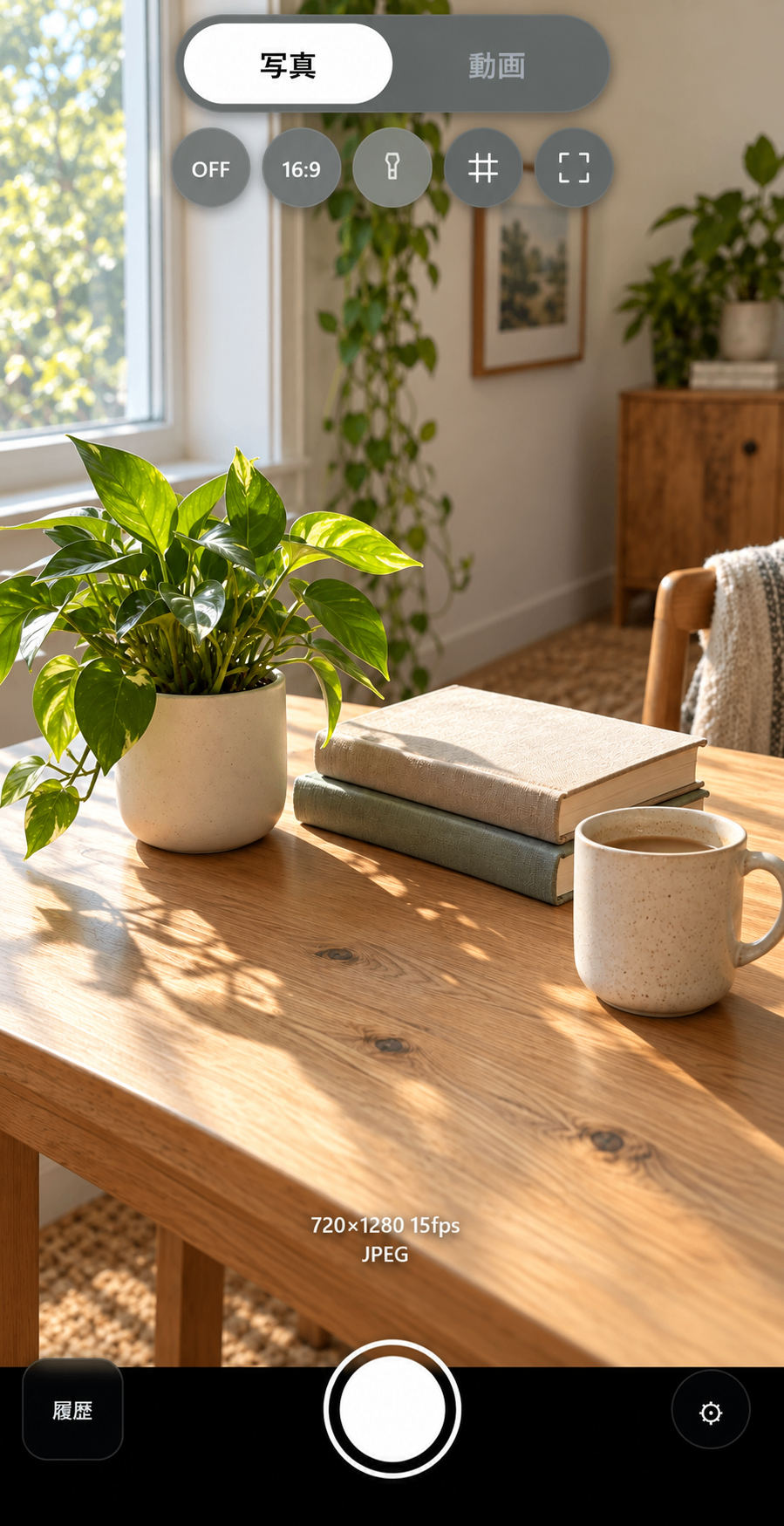
I've updated QuietCamera, which can be used in a browser. This time, I'm reviewing the shooting screen controls, shooting history, and video saving features.
I've been looking at similar web cameras and noticed that the controls were confusing and the camera footage was small. With QuietCamera, I prioritize a clear interface where you know what to press and can focus on shooting.
I reviewed the video saving and restoration process. I've fixed how large recording data is handled and corrected the behavior when opening another tab during recording. I've ensured that recording data during capture isn't treated as an interrupted recording from another tab.
In the shooting history, I've adjusted list scrolling and multiple selection. I've also reviewed cases where the display or selection state shifts when operations continue.
I've made the operation buttons larger when using on PC, and adjusted the button text so it doesn't get cut off. Even on PC screens with plenty of space, it's now easier to find where to operate.
I've also organized the behavior of closing confirmation screens with the Escape key or "back" button. I've adjusted the screen transitions when handling PDFs and the flow of closing unnecessary confirmation screens after processing. This update reduces minor friction points when shooting, then viewing history, or working with PDFs. It's an update aimed at smoothing out the small rough edges in the workflow.
Camera, audio, and long-duration recording on Galaxy S25 haven't been verified on actual devices yet with these changes in place. Testing on a browser and actual usability on a real device are different things, so this is the next point to check.
ブラウザで使えるQuietCameraを更新しました。今回は、撮影画面の操作、撮影履歴、録画の保存まわりを見直しています。
同じようなWebカメラを見ていて、操作が分かりにくかったり、カメラの映像が小さかったりするところが気になっていました。QuietCameraでは、何を押せばいいか分かりやすく、撮影に集中できる画面を大事にしています。
録画の保存と復元の処理を見直しました。録画データが大きくなったときの扱いや、録画中に別のタブを開いたときの動作を修正しています。録画中のデータを、別のタブが中断した録画として扱ってしまわないようにしました。
撮影履歴では、一覧のスクロールや複数選択を調整しました。操作を続けたときに、表示や選択状態がずれるケースも見直しています。
PCで使うときの操作ボタンを大きくし、ボタンの文字が途中で切れにくいようにしました。画面を広く使えるPCでも、操作する場所を見つけやすくしています。
確認画面をEscキーや「戻る」で閉じる動作も整理しました。PDFを扱う画面の移動や、処理後に不要になった確認画面を閉じる流れも調整しています。撮影してから履歴を見たり、PDFを操作したりするときの、細かい引っかかりを減らすための更新です。
Galaxy S25でのカメラ・音声・長時間録画は、今回の変更を入れた状態ではまだ実機確認できていません。ブラウザ上のテストと、実際の端末で撮って使いやすいかは別なので、ここは次の確認点です。

