Show original
Try the app

napps エンタメありの永久無料ツール集
Enjoyed this article?
Support ntones (エヌトーンズ)
Share
AI translation
Introduction to Image Overlay Comparison Tool
Try the app
napps エンタメありの永久無料ツール集
Enjoyed this article?
Support ntones (エヌトーンズ)
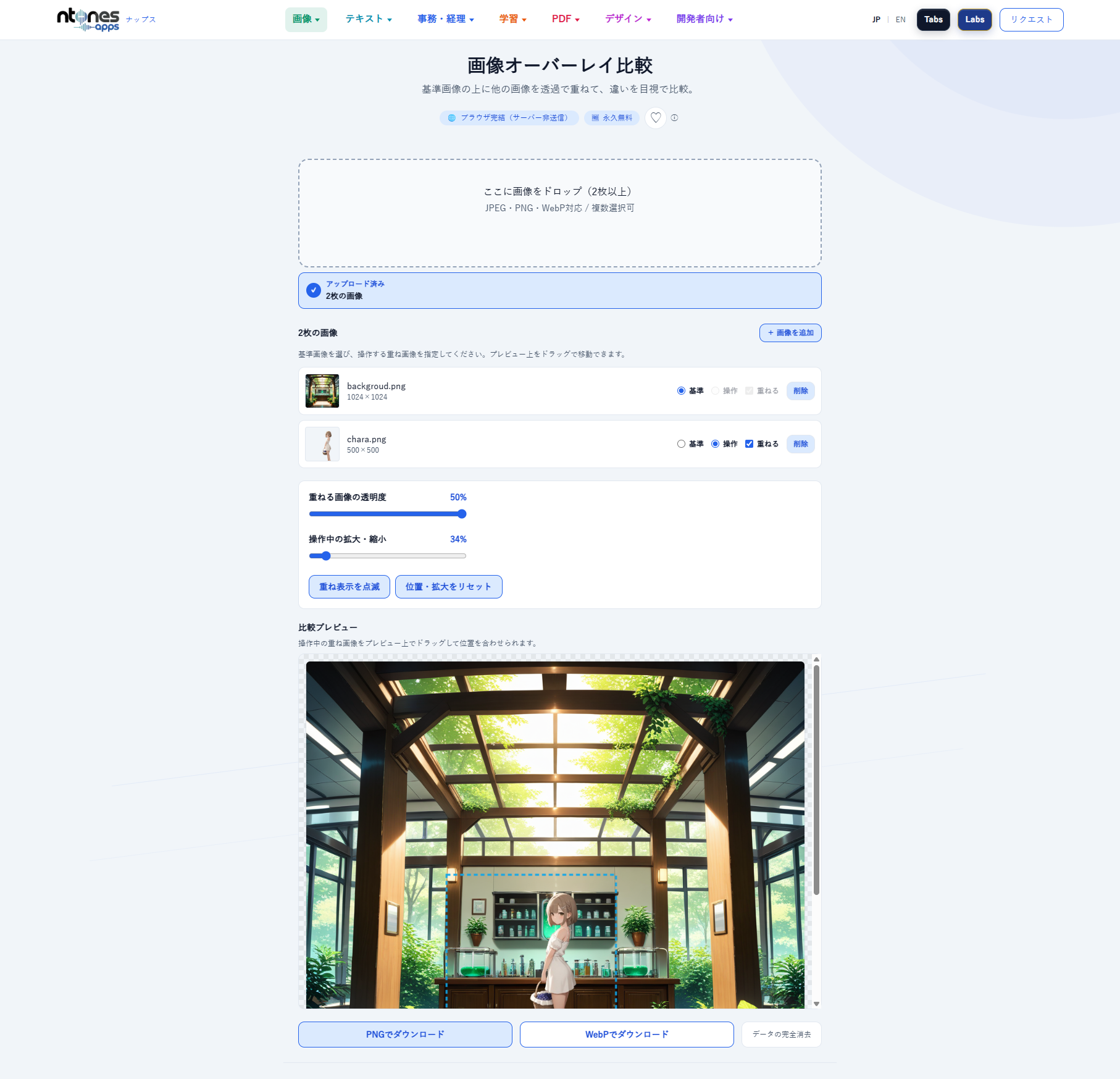
What You Can Do
・Overlay 2 images to make it easier to find differences. Keep the different points as evidence.
・Overlay a transparent image on a base image to create 1 image.
When to Use
The original image has been modified, but you don't know what changed.
You want to overlay a separate transparent image on a background-only image.
You want to place a person or character on an AI-generated background.
You want to create a spirit photo as entertainment.
How to Use
1. Upload 2 images.
2. Decide which one will be the reference (base).
3. Operate in the preview to find differences.
Or, specify the position, size, and opacity of the transparent image to create 1 image.
4. If you want to create 1 image, download it.
できること
・2枚の画像を重ね、差異を見つけやすくする。違う点をエビデンスとして残す。
・1枚のベースとなる画像に透過画像を重ねて、1枚の画像を作る。
こんなときに
元の画像に変更を加えられているが、どこが変わったのか分からない。
背景のみの画像に別の透過画像を重ねたい。
AIで生成した背景に人物やキャラクターを載せたい。
エンタメとして心霊写真を作りたい。
使いかた
1.2枚の画像をアップロードします。
2.どちらを基準(ベース)にするのかを決める
3.プレビューで操作して差異を見つける。
または、透過画像の位置変更や拡大縮小、透過度を指定して1枚の画像を作成する。
4.1枚の画像を作りたい場合は、ダウンロード。

