Show original
Try the app

napps エンタメありの永久無料ツール集
Enjoyed this article?
Support ntones (エヌトーンズ)
Share
Sat, Nov 7, 20:00 JST Tsukutta-chan live stream
Watch on YouTube(opens YouTube in a new tab)AI translation
AIプロンプト埋め込みツールのご紹介
Try the app
napps エンタメありの永久無料ツール集
Enjoyed this article?
Support ntones (エヌトーンズ)
In Cases Like This
I'm storing AI-generated images, but I don't know what prompts were used to create them.
I want to manage images and prompts as a set.
When I want to check the prompts embedded in Stable Diffusion-type PNGs.
With "AI Prompt Embedding," you can embed prompts directly into image files and manage them simultaneously.
How to Use
\
こんなときに
生成したAI画像は保管しているけど、どのようなプロンプトで作成したのか分からない。
画像とプロンプトをセットで管理したい。
Stable Diffusion 系の PNG に入っているプロンプトを、確認したいとき。
「AIプロンプト埋め込み」なら、画像ファイルにプロンプトを埋め込み、同時に管理できます。
使いかた
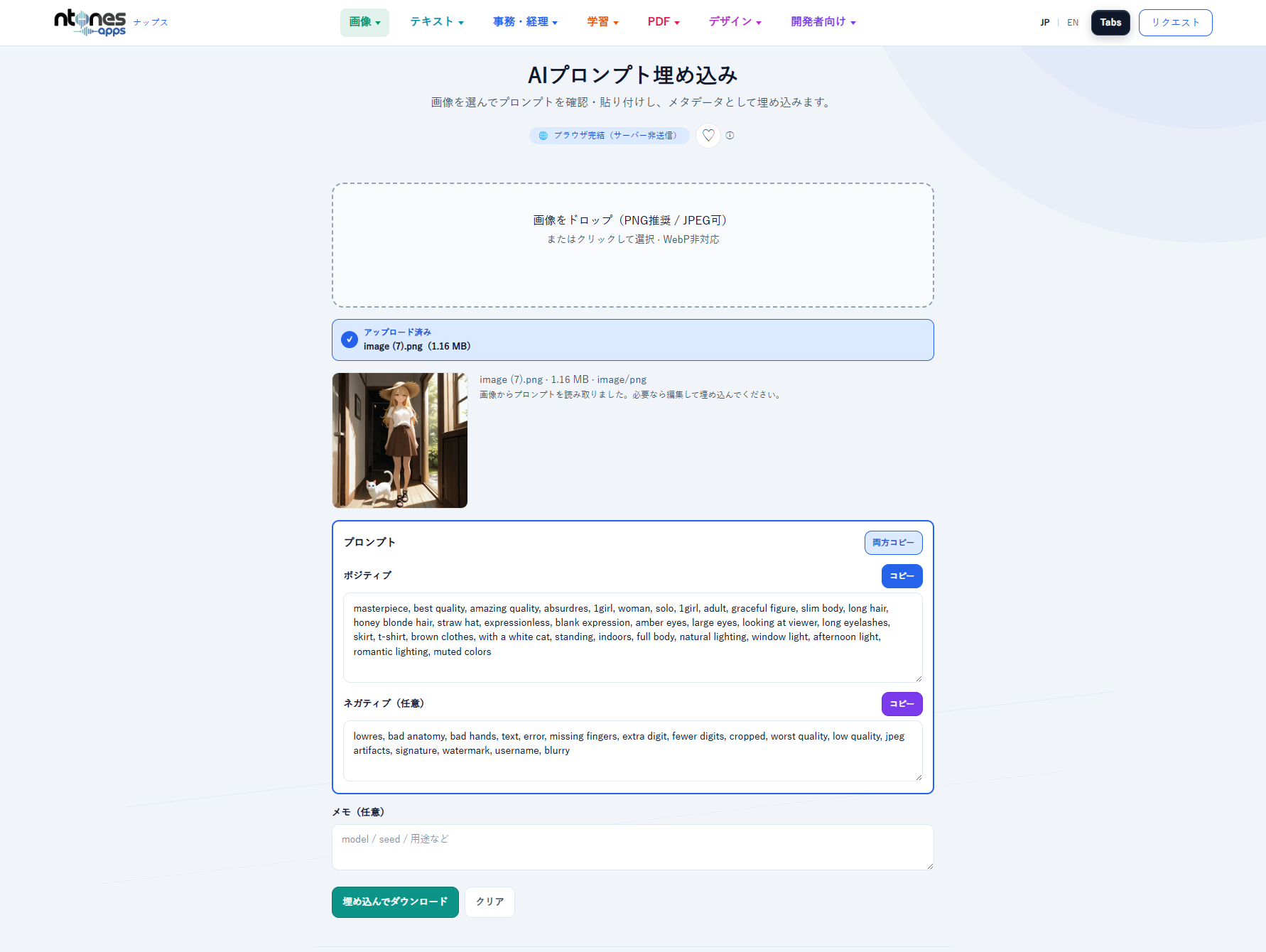
1.PNG(推奨)または JPEG をドロップまたは選択します。
2.すでにプロンプトが入っていれば自動表示。無ければ生成に使ったプロンプトを貼り付けます。
3.必要ならネガティブやメモも同じ枠に入れ、「埋め込んでダウンロード」します。
見た目のピクセルは変えず、メタデータだけ書き込みます。
ポイント
・このツールを使えば、画像ファイルの管理だけでよくなります。
・必要な時に生成画像のプロンプトをいつでも確認できます。
・ログイン不要で無料でお使いいただけます。今後、有料化することはありません。

