Show original
Enjoyed this article?
Support JoeK3816
Share
Tue, Nov 3, 20:00 JST Tsukutta-chan live stream
Watch on YouTube(opens YouTube in a new tab)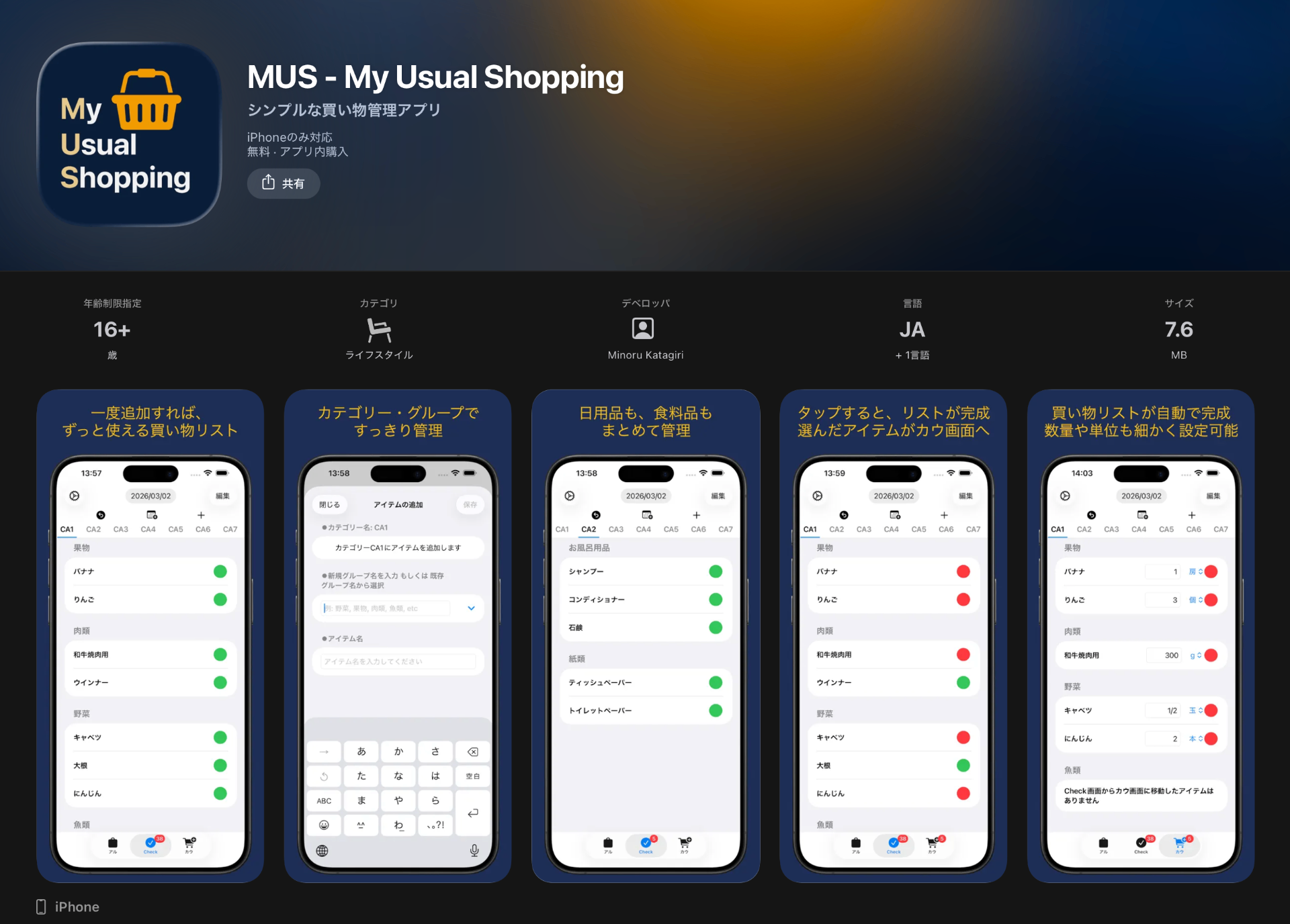
AI translation
MUS - My Usual Shopping Ver.1.3.0にアップデートしました
Enjoyed this article?
Support JoeK3816
MUS - My Usual Shopping is a simple shopping management app available on the App Store that allows you to manage inventory availability using colors.
We have now released Ver. 1.3.0.
The main feature additions in this update are as follows:
I would like to write about this in this article.
In SNS apps, animations are sometimes displayed at the top of the screen for limited periods. (Valentine's Day, Mother's Day, Father's Day, Christmas, etc.)
It brings a sense of the season and is heartwarming to watch.
In this update, I attempted to implement animations displayed across the entire screen.
Since it displays across the entire screen, I made the animation very simple so that item names and buttons would not be difficult to see or operate.
The API uses SpriteKit.
After trial and error, the result is as follows:
The image below is inspired by the light of fireflies.
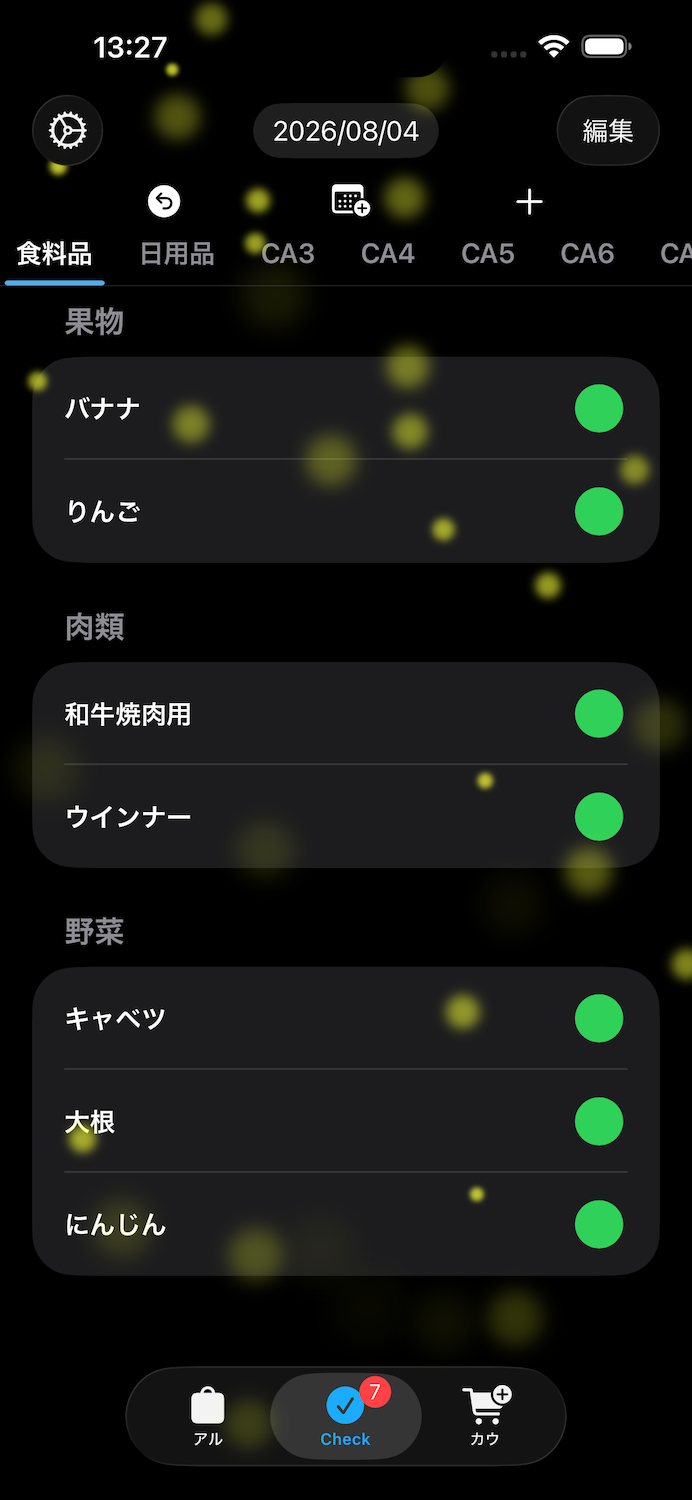 It actually moves on the screen.
I have posted a video on X, so please access the following address to see how it moves.
https://x.com/JoeK3816/status/2084471455694401869?s=20
I was able to implement it so that the firefly light does not interfere with the display of item names, and also does not prevent the operation of the add button (green button) on the right side.
By being able to display it across the entire screen, I feel the impression of the app has changed a little.
I prepared a total of 4 patterns for this animation.
If you like it, please try downloading it.
Thank you for reading to the end.
MUS - My Usual Shoppingは在庫の「ある」・「なし」を色で管理できるシンプルな買い物管理アプリでApp Storeで配信しています。
このたびVer.1.3.0をリリースしました。
今回の主な機能追加は以下のとおりです。
今回の記事ではこのことについて書きたいと思います。
SNSアプリでは期間限定で画面上部にアニメーションが表示されることがあります。(バレンタイン・母の日・父の日・クリスマスなど)
季節感が出ていて見ていてほっこりします。
今回のアップデートではこのアニメーションを画面全体に表示したいという試みで実装をしてみました。
画面全体に表示、ということなのでアイテム名やボタンが見づらい・操作できないということがないようにアニメーションはごくシンプルなものにしました。
APIはSpriteKitを使用しています。
試行錯誤の結果、以下のようになりました。
下記の画像は蛍の光をイメージしたものです。
画面上では実際には動いています。
Xに動画を投稿していますので、動いている様子は以下のアドレスにアクセスしてご覧になってください。
https://x.com/JoeK3816/status/2084471455694401869?s=20
蛍の光がアイテム名の表示を邪魔することもなく、また右側にあるアルカウボタン(緑色のボタン)の操作を受け付けないということもなく実装できました。
画面全体に表示できたことによってアプリの印象が少し変わったかなとも思います。
このアニメーションは全部で4パターン用意しました。
良かったらダウンロードしてみてください。
最後までお読みいただきありがとうございました。
