Show original
Try the app

Flower:家計簿・資産管理アプリ
Enjoyed this article?
Support Flower 開発チーム
Share
AI translation
We added purpose-specific ledgers in Flower Plus and made it possible to switch between record, budget, map, and monthly review.
Try the app
Flower:家計簿・資産管理アプリ
Enjoyed this article?
Support Flower 開発チーム
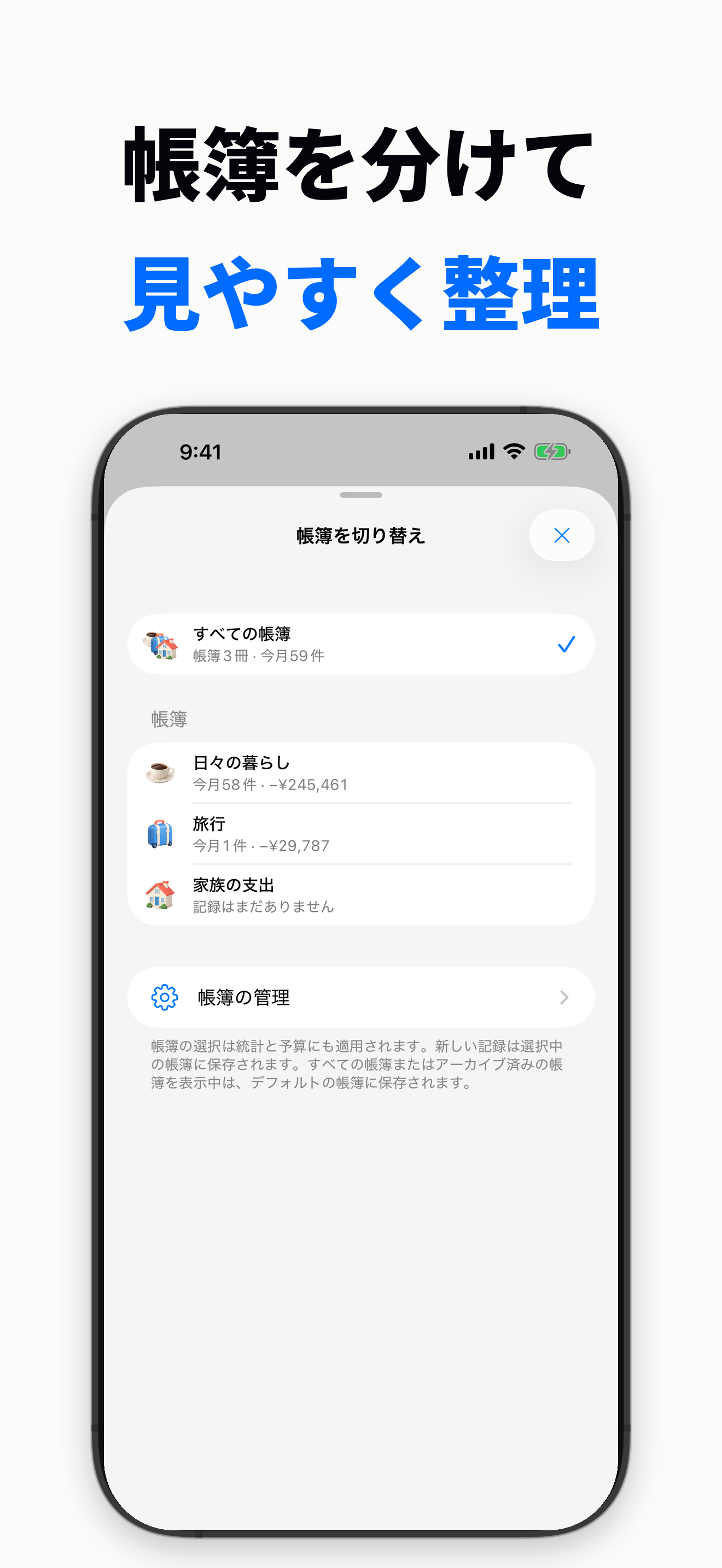 I am the developer of Flower, a household account book app for iPhone. I released version 1.2 on the App Store.
This time, I made it possible to separate ledgers by purpose. With Flower Plus, you can add ledgers and organize records such as daily expenses and travel. When you select a ledger, not only the records but also the display of budget, map, and monthly review switches accordingly. It is not a mechanism that duplicates the wallet balance for each ledger.
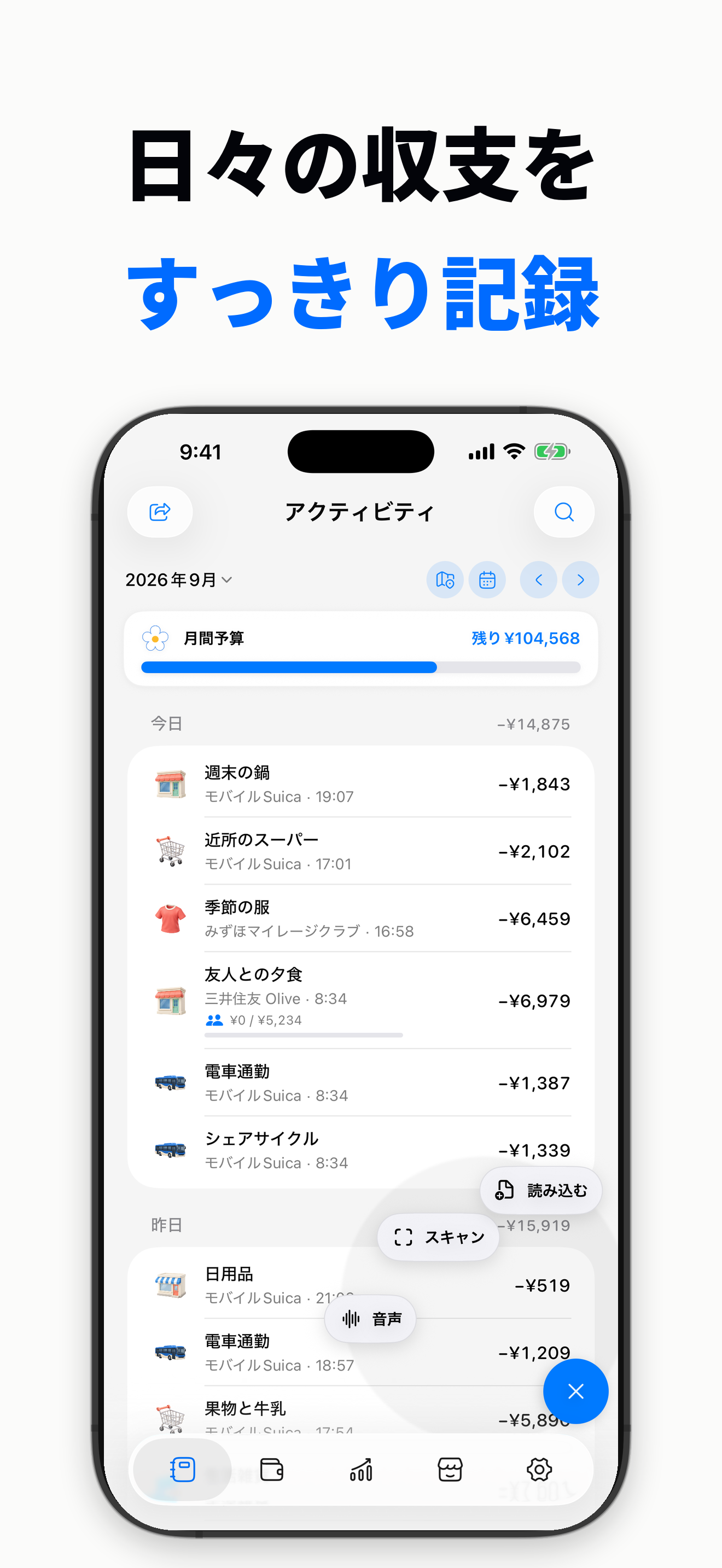 I also adjusted the input area. Long-pressing the + button displays three shortcuts. When scanning receipts or payment images, or importing CSV/XLSX files, you can confirm the contents before saving.
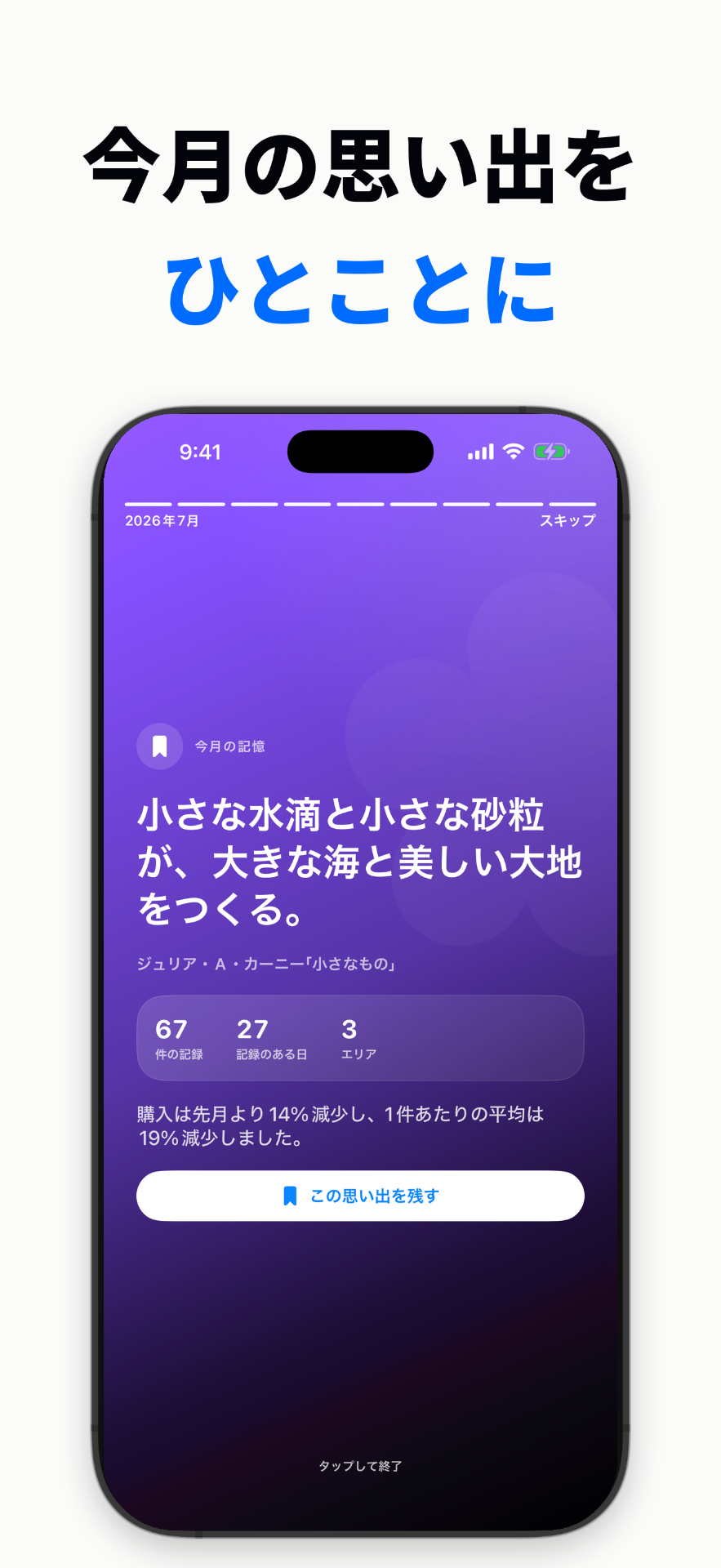
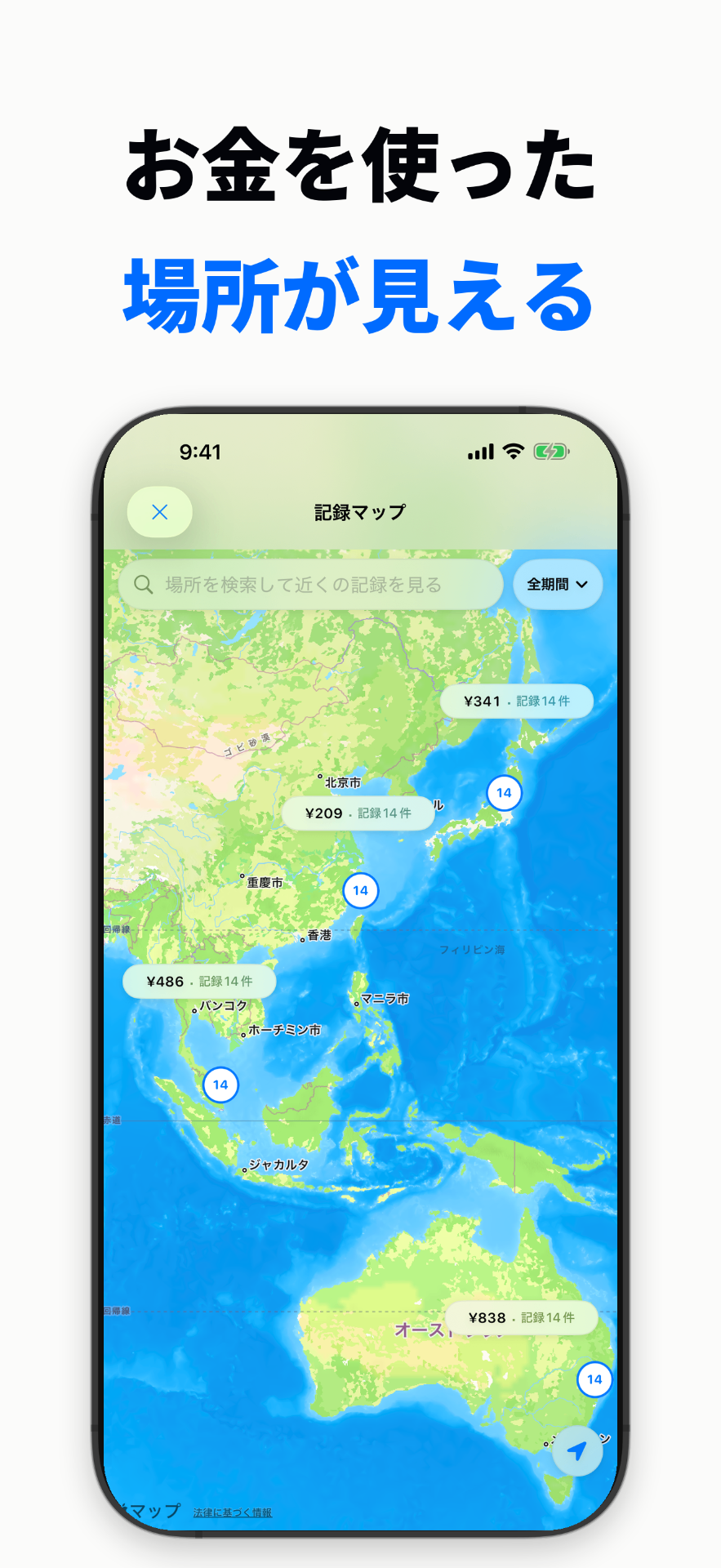 Flower has a record map where you can view saved locations on a world map, and a monthly review where you can look back on photos, locations, and expenses from completed months. In Story, there are short words to help you remember that month. The engraving on the card holder and category icons can also be customized to your preferences. Not all of these features debuted for the first time in version 1.2.
 It can be downloaded for free, and Flower Plus is required for features such as adding ledgers. Some appearances are sold separately. There is no automatic connection to banks or remittance functionality. The images are actual screens and fictional demo data.
https://apps.apple.com/jp/app/id6801466802If you were to switch between daily and travel ledgers, at what point would it be most convenient to switch? I would be happy to hear your actual impressions of using it.
iPhone向け家計簿アプリFlowerの開発者です。1.2をApp Storeで公開しました。
今回は、用途ごとに帳簿を分けられるようにしました。Flower Plusで帳簿を追加し、日常、旅行などの記録を整理できます。帳簿を選ぶと、記録だけでなく予算・マップ・月間レビューの表示も切り替わります。ウォレットの残高を帳簿ごとに複製する仕組みではありません。
入力まわりも調整しました。+を長押しすると3つのショートカットが表示されます。レシートや支払い画像のスキャン、CSV/XLSXの読み込みでは、内容を確認してから保存できます。
Flowerには、保存した場所を世界の地図で見る記録マップや、終わった月の写真・場所・支出を振り返る月間レビューがあります。Storyにはその月を思い出すための短い言葉を。カードホルダーの刻印やカテゴリのアイコンも、自分の好みに合わせられます。これらすべてが1.2で初めて登場した機能というわけではありません。
無料でダウンロードでき、帳簿の追加などの機能にはFlower Plusが必要です。一部の外観は別売りです。銀行への自動接続や送金機能はありません。画像は実際の画面と架空のデモデータです。
https://apps.apple.com/jp/app/id6801466802
日常用と旅行用の帳簿を切り替えるなら、どの場面で切り替えられると使いやすいでしょうか。実際に使った感想を聞かせていただけるとうれしいです。

